
Available for Resolve, Final Cut Pro, Premiere Pro, After Effects & Motion
Hawaiki Keyer 5
The industry’s most sophisticated green and blue screen keyer.
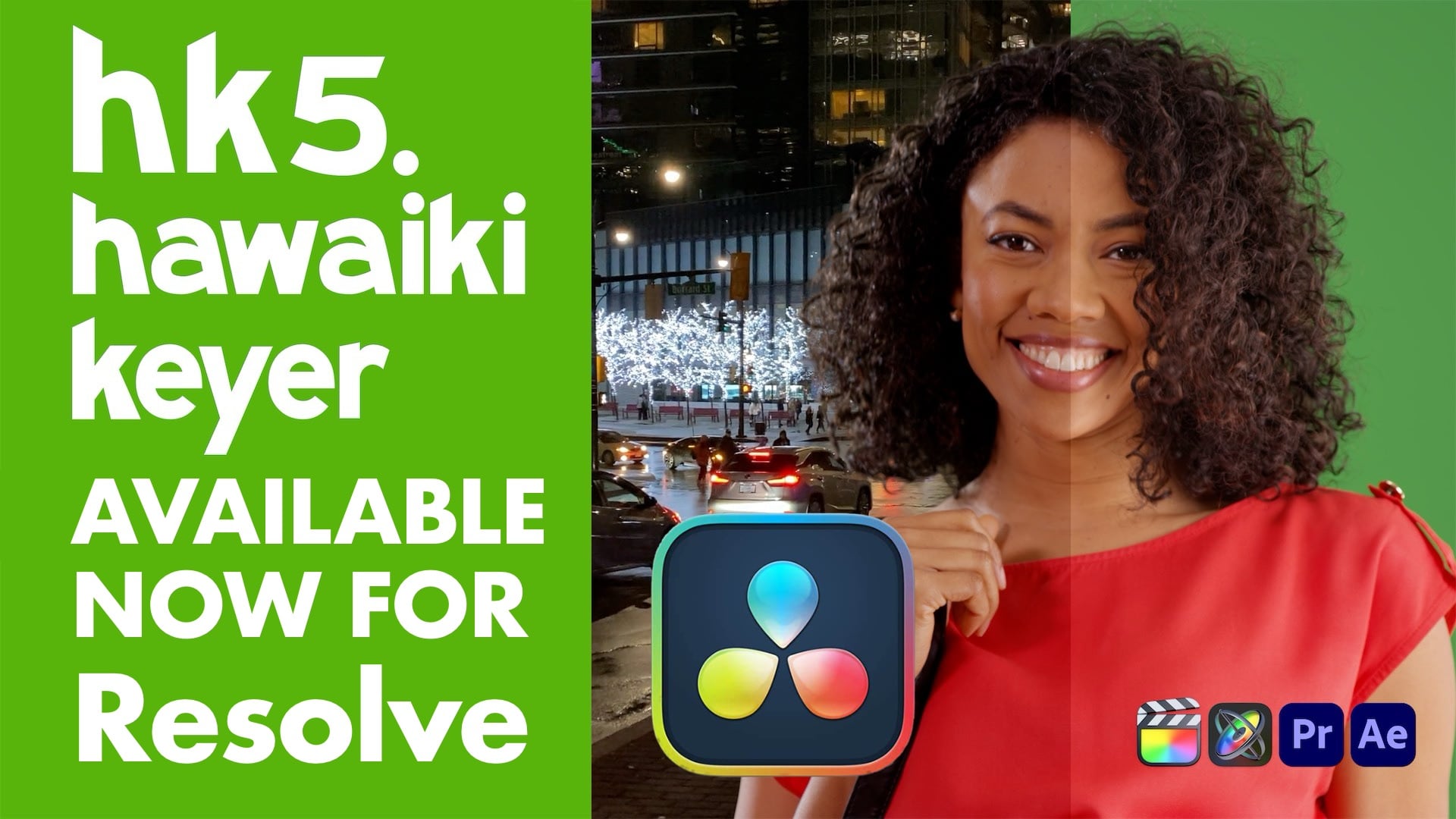
Upgrade from earlier versions of Hawaiki Keyer for 50% off the full price. →Hawaiki Keyer 5 builds on the best-in-class keying tools of Hawaiki Keyer 4 and enables you to use them more efficiently, with even more powerful and intelligent tools for isolating your foreground.
It’s easier than ever to keep hair and other fine detail by creating secondary keys and dynamic garbage mattes with the new AI-powered face and object tracking and realtime edge tracking. The new Crop tools exclude the edges of the screen and speed up the rendering of complex keys.
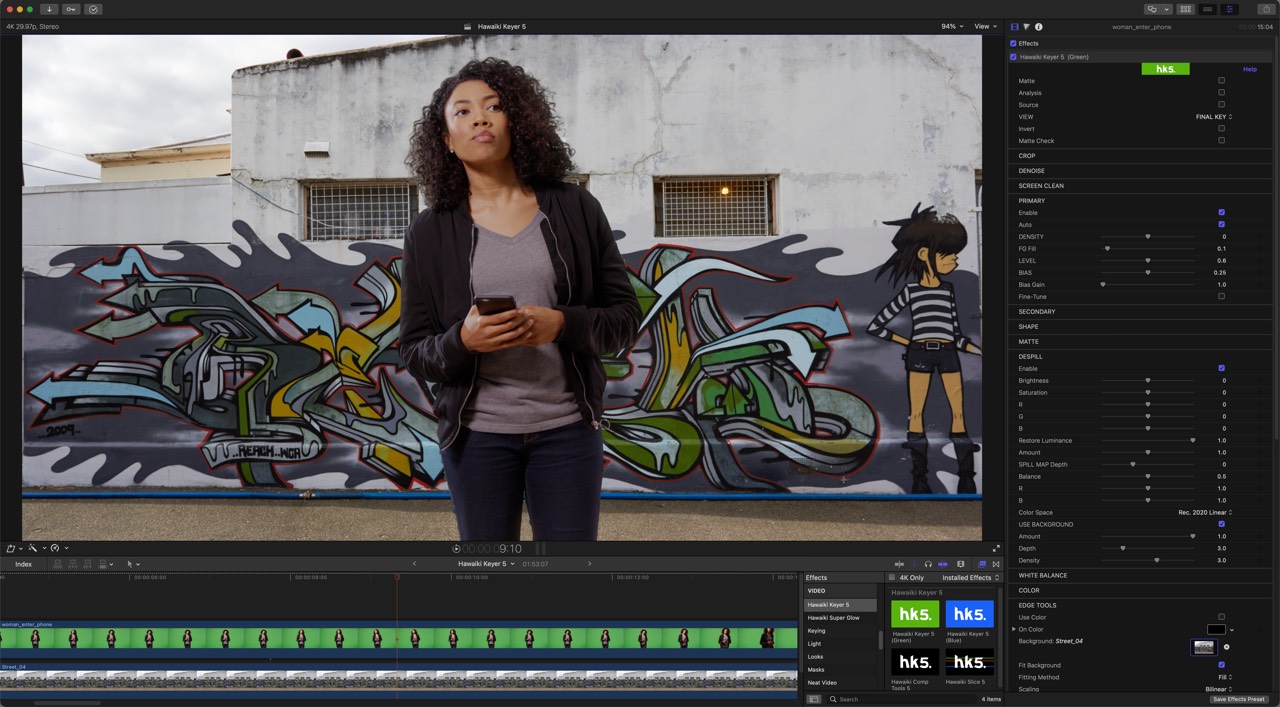
Refining your composite is faster and simpler with all the edge tools that were in a separate plug-in now built into Hawaiki Keyer, an expanded compositing toolset, and the ability to resize and composite the background within the plug-in. The UI is refined and the plug-in is optimised for Apple silicon and HDR.
For my money, these new features along with the depth of the adjustments available make Hawaiki Keyer 5 the best green/blue-screen keyer plug-in on the market.
Oliver Peters, digitalfilms
New in Hawaiki Keyer 5
Tracking
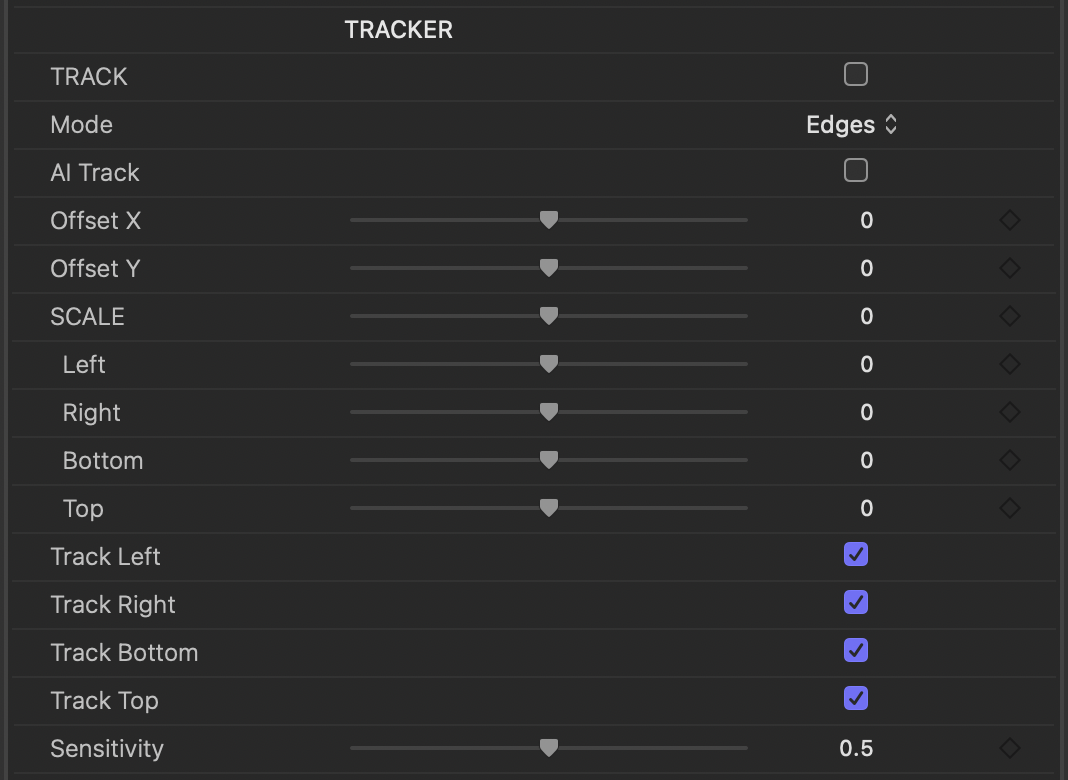
Automatic tracking of the edges of your foreground as well as its centre, both working with AI Track. Use Track Edges to create a dynamic garbage matte that moves with the subject.
AI Track
AI-powered tracking of faces and objects. Face tracking makes trackable head mattes for a secondary key on the hair; Object tracking copes when the screen doesn’t cover the shot, with lights in frame or lots of tracking markers.
Shape
Secondary matte and tracking controls now live in the Shape section, and the shape matte is set with two onscreen controls that replace the sliders of HK4.

Crop
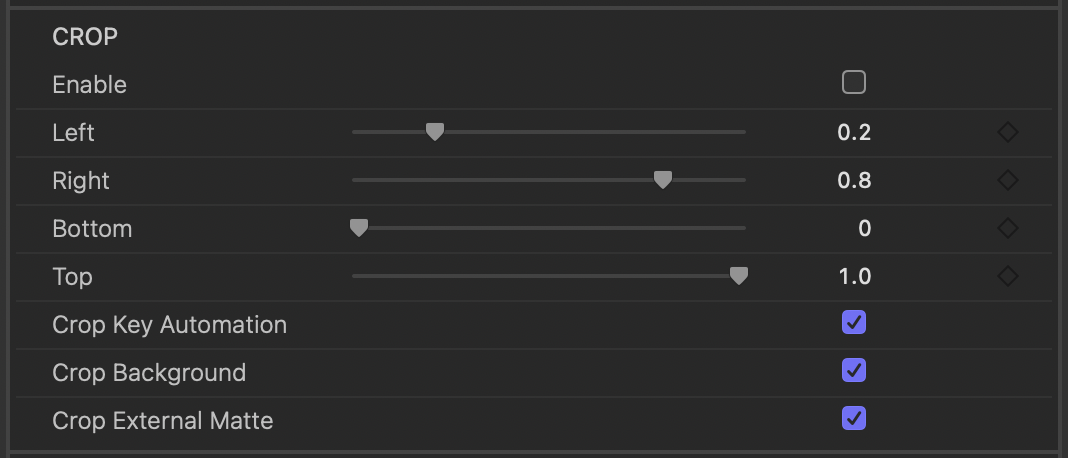
Quickly create a garbage matte and speed up complex keys. Crop defines the pixels processed from the start of the chain, for both image and matte operations.
Screen Clean: Exclude from Shape
Leave the area inside the Shape matte out of Screen Clean, to pull a softer secondary key while clearing the edges of the screen.
Metal and Apple silicon
A new GPU image processing pipeline built with FxFactory’s FxCore, optimised for Apple silicon with better handling of HDR. AI Track uses the Neural Engine.
Edge Tools
Everything from the HK4 Edge Tools plug-in is built in: Edge colour and blur, Fine Edge, Edge Blend, a new Premultiply, and a revamped Background Match that matches colour as well as brightness.
Fit Background
Scale the background to match the foreground inside the plug-in: Fit, Fill or Stretch, with scaling and positioning controls.
Comp Tools
Edge Tools grows into Comp Tools, with matte and image processing (colour correction, blur, pixelate, smoothing, despill, shrink-grow, matte cleaner), External Matte and the Analysis view, for use with any keyer on any footage.
And loads more: see What’s New in the manual.
How does it work?
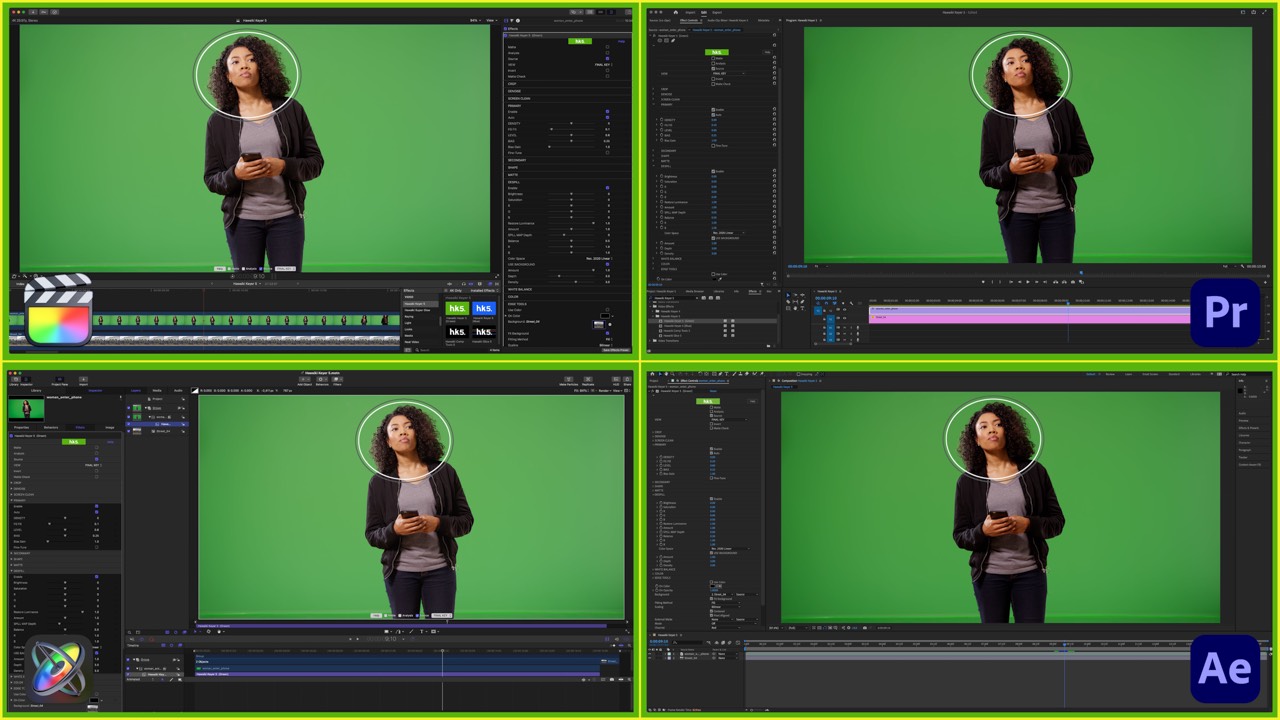
Hawaiki Keyer 5 is in the Effects Library in DaVinci Resolve, the Effects Browser in Final Cut Pro, the Effects & Presets panel and Effect menu in After Effects, the Effects panel (Video Effects) in Premiere Pro and the Library (Filters) in Motion. Drag it onto your clip to get started.
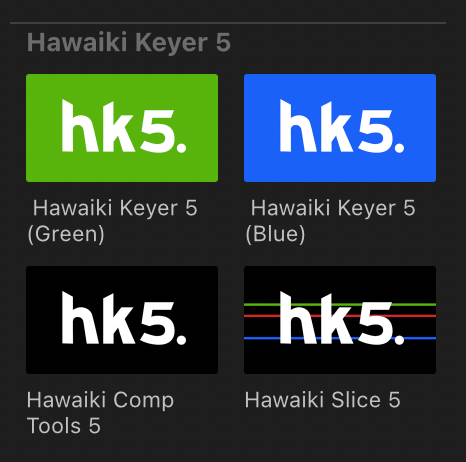
The plug-in comes with two keying modules, Hawaiki Keyer 5 (Green) and Hawaiki Keyer 5 (Blue). Choose the one for your screen colour. Both work the same way, but each is optimised for its screen colour, so not every control behaves exactly alike between the two.
Hawaiki Comp Tools 5 and Hawaiki Slice 5 work with either green or blue screens.
See the manual for every control.
Upgrading to Hawaiki Keyer 5
- Hawaiki Keyer 5 is a new product, so it doesn’t overwrite your existing Hawaiki Keyer plug-ins.
- You can install Hawaiki Keyer 5 and keep using any older version.
- Current users of Hawaiki Keyer get 50% off the full price.
Contact us for more information.
Overview
- Advanced GPU acceleration for fast realtime playback and rendering.
- Powerful, versatile matte extraction: a unique set of easily understood operations for the trickiest keys and exceptional edge detail.
- An automatic keying algorithm that does the heavy lifting, clearing the backing and preserving edges, with fine-grained control for those who need it.
- A Secondary keyer: two keyers in one, masked between the primary and secondary mattes, with realtime tracking of the mask.
- Outstanding spill suppression, a unique edge control system and a great-looking Light Wrap, plus VFX-level Background Match, Edge Replace, Fine Edge, Edge Blend and Premultiply.
- Screen Clean: intelligent analysis of the backing removes defects and evens out the screen, making most keys much easier to pull.
- Crop, an optional hard Outer Matte and a versatile Matte Cleaner for a solid matte without sacrificing the edges.
- Extensive view modes, including a precise Analysis view and a Spill Map for detailed spill suppression.
- A full colour correction section for grading the final key, and White Balance for the foreground, the matte or both.
System Requirements
| macOS | macOS 14.7 Sonoma or later, macOS 15 Sequoia, macOS 26 Tahoe |
|---|---|
| FxFactory | 8.0.27 or later |
| Applications | DaVinci Resolve 20 or later, Final Cut Pro 10.6 or later, Motion 5.6 or later, Premiere Pro 22 or later, After Effects 22 or later |

Purchase and installation
Hawaiki Keyer 5 is available through FxFactory. Download FxFactory, install the free trial, and buy when you’re ready: the trial unlocks in place.