

Available for Resolve, Final Cut Pro, Premiere Pro, After Effects & Motion
Hawaiki AutoFix
Dead pixels restored automatically.
Hawaiki AutoFix is a powerful repair plug-in for Resolve, Final Cut Pro, Motion, Premiere Pro and After Effects.
AutoFix gives you fast, automatic restoration of dead pixels, and it’s a lot of fun to use. Intelligent, content-aware repair makes light work of a tiresome chore, and flexible tools let you finesse the result and paint in exactly the pixels you need for a perfect repair every time.

Features
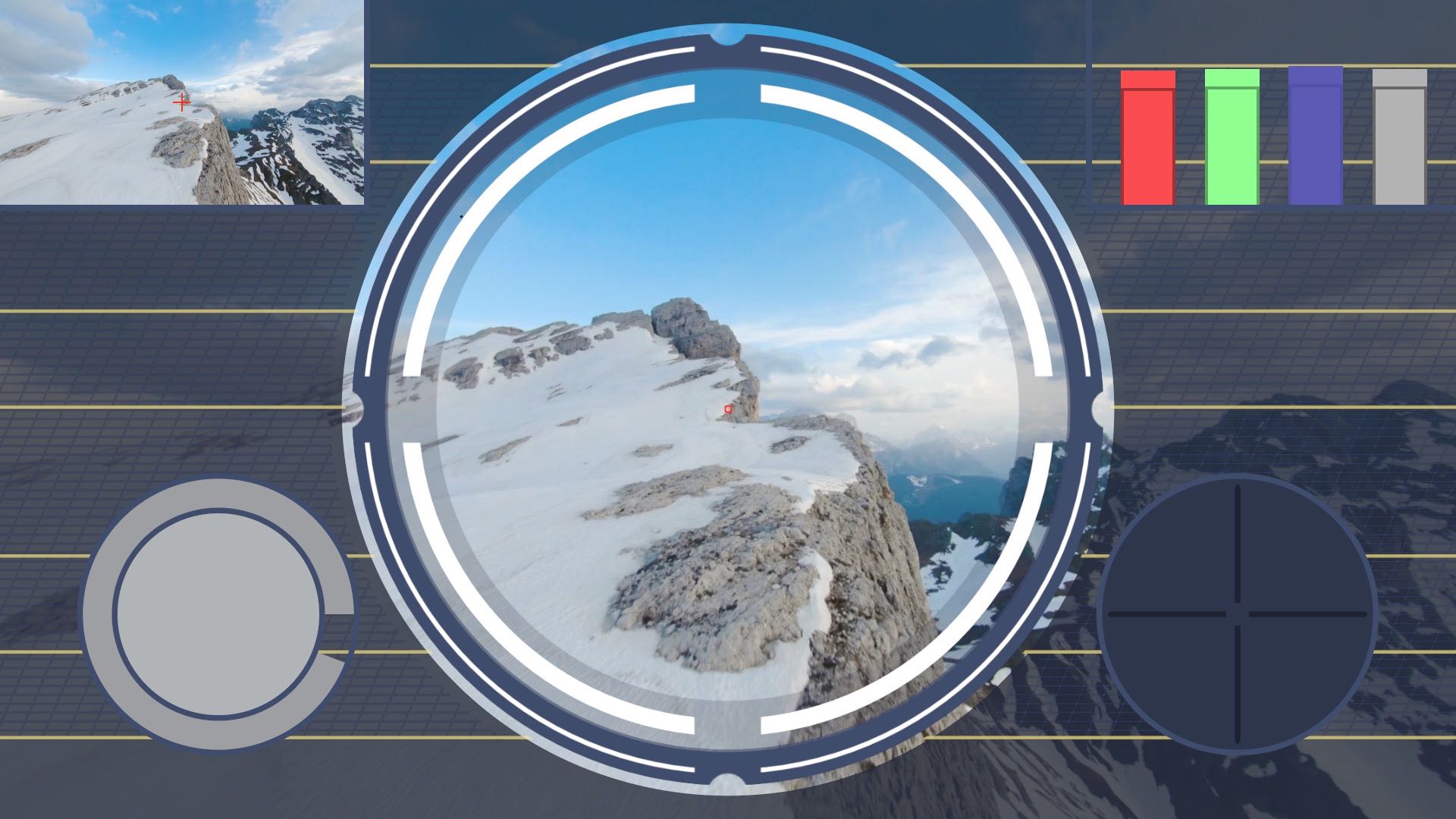
HUD
A dedicated interface for instant, precise focus on the area to repair, configurable for every ratio including Square and Vertical.
Fine-Tune Target
An onscreen control for fine-tuning the target.
Navigation View
Keeps track of the bigger picture while you work on the detail.
Match Swatch and Graph Mode
Intelligent analytical displays that flag up repair problems.
Repair Mask
Comprehensive options for fine-tuning the repair mask.
Replace
Tools for finessing the values of the automatic repair pixels, including a manual fix.
Sampling
Flexible options for targeting which pixel values the automatic repair favours, with a menu of prebuilt methods and your own saved combinations.
Customisation
Plenty of options for customising the interface and how the plug-in works.
How does it work?
Hawaiki AutoFix is in the Effects Library in DaVinci Resolve, the Effects Browser in Final Cut Pro, the Effects & Presets panel and Effect menu in After Effects, the Effects panel (Video Effects) in Premiere Pro and the Library (Filters) in Motion. Drag it onto your clip to get started.
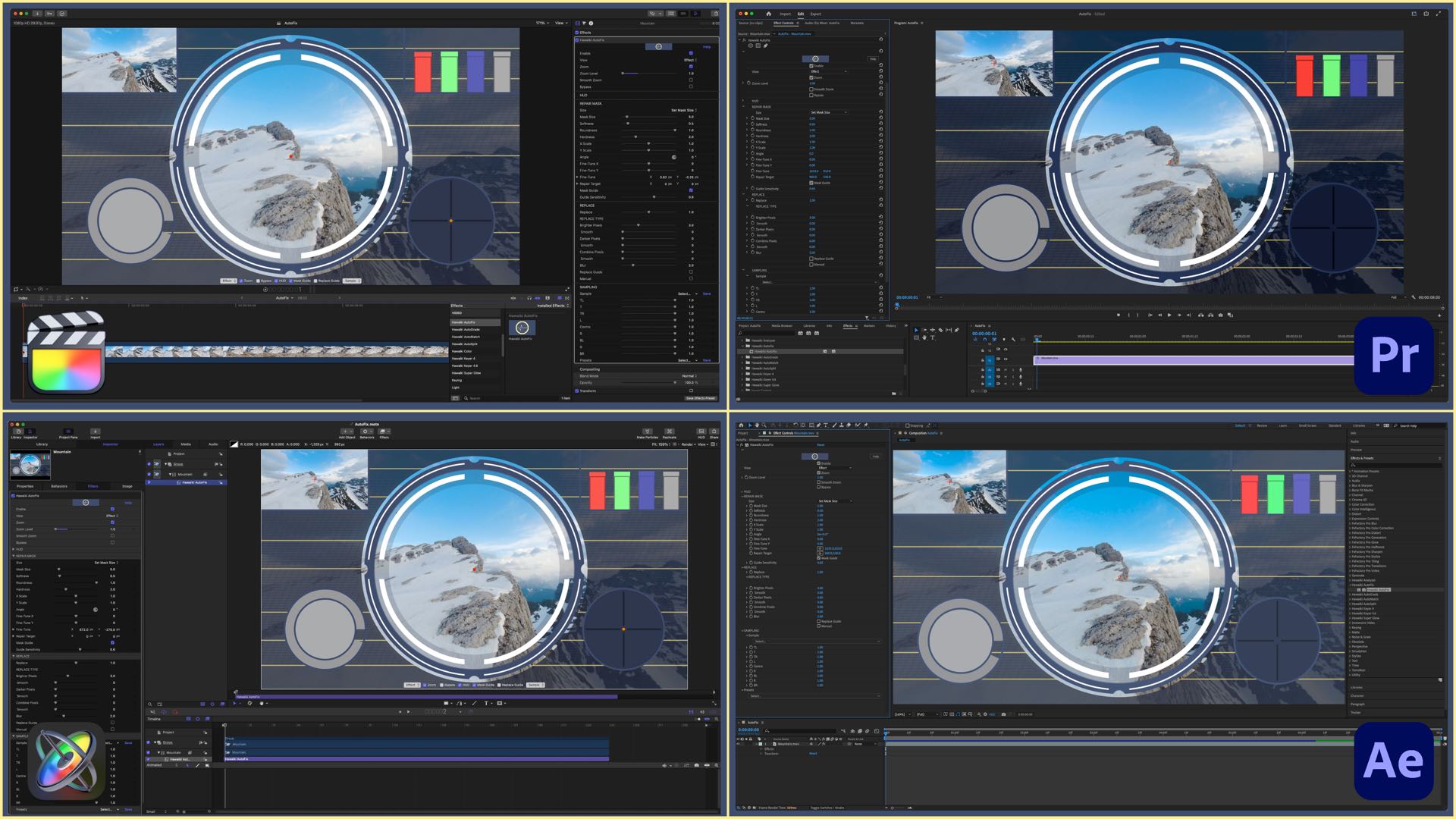
See the manual and the tutorials: Final Cut Pro and Motion · Premiere Pro and After Effects.
System Requirements
| macOS | macOS 14.7 Sonoma or later, macOS 15 Sequoia, macOS 26 Tahoe |
|---|---|
| FxFactory | 8.0.27 or later |
| Applications | DaVinci Resolve 20 or later, Final Cut Pro 10.6 or later, Motion 5.6 or later, Premiere Pro 22 or later, After Effects 22 or later |

Purchase and installation
Hawaiki AutoFix is available through FxFactory. Download FxFactory, install the free trial, and buy when you’re ready: the trial unlocks in place.